Elementor #62639
SHORT URL GENERATOR
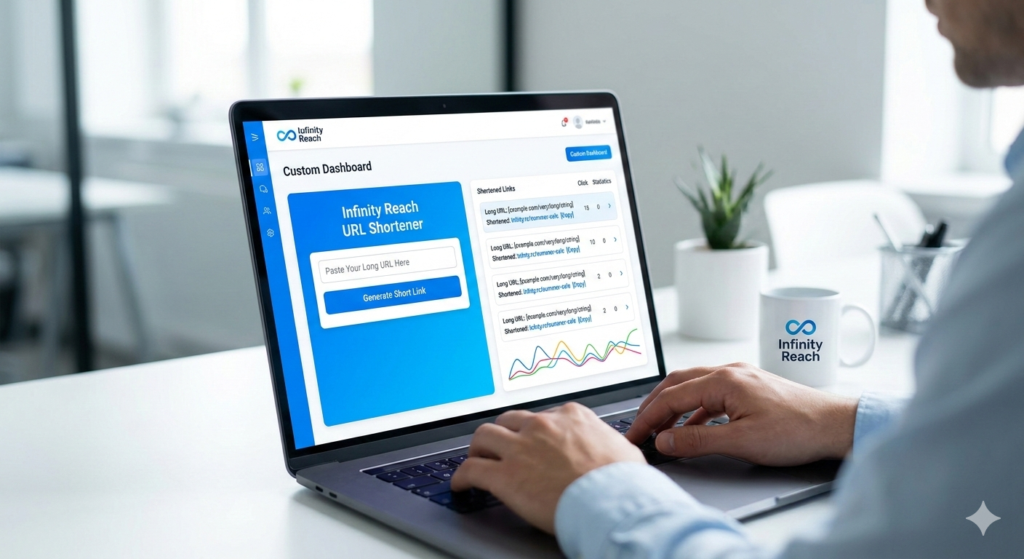
Transform Your Links with Infinity Reach Short URL Long, messy links are a thing of the past. With the Infinity Reach URL Shortener, we turn your complex URLs into clean, clickable, and brand-building assets. Whether you're launching a marketing campaign or sharing a portfolio, our tool ensures your links are professional and trackable. Why Use Our Short URLs? Brand Authority: Replace generic domains with your own brand name to increase trust and click-through rates. Deep Analytics: Track every click in real-time. Know where your audience is coming from, what device they use, and when they are most active. Retargeting Power: Embed tracking pixels (like Meta or Google) directly into your short links to reach your audience even after they leave your site. Custom Aliases: Create memorable links like infinityreach.com/summer-sale instead of random strings of characters. 2. How to Add It to Your Website (Step-by-Step) If you are building this feature or integrating a third-party API into the Infinity Reach platform, follow these steps: Step 1: Choose Your Architecture Decide if you want to build a custom solution or use an API. Custom Build: Requires a database (SQL/NoSQL) to map a short "key" to a long URL. API Integration: Use services like Bitly, Rebrandly, or Shlink to power the backend while you provide the interface. Step 2: Database Setup You need a simple table to store the data. At a minimum, your schema should include: Original URL: The long destination link. Short Key: The unique string (e.g., 8fG2k). User ID: To track which Infinity Reach client created the link. Click Count: An integer that increments every time the link is accessed. Step 3: Create the User Interface (UI) On the Infinity Reach dashboard, add a "Link Manager" section: Input Field: Where users paste their long URL. Custom Slug Option: An optional field for users to choose their own ending (e.g., /promo). "Shorten" Button: The trigger that generates the link. Step 4: Set Up the Redirect Logic When someone visits infnty.rc/8fG2k, your server must: Look up 8fG2k in your database. Log the metadata (IP address, timestamp, browser). Perform a 301 (Permanent) Redirect to the original long URL. Step 5: Analytics Dashboard Create a visual chart for your users. Use simple bar graphs or line charts to show "Total Clicks" over the last 30 days. This is the "sticky" feature that keeps clients coming back to your website. 3. Pro-Tip for Infinity Reach To make this service stand out, offer QR Code Generation as a bonus. Whenever a user creates a short URL, automatically generate a high-quality QR code they can download for print media.